PUSH notifications are now available — both in the app and on the web. You get notified right where it happens, with a direct link to the event. No searching, no forgotten tasks.
The form builder has received a major upgrade. You can now create questions with address fields that display a map, select users and contacts from a list, and add images as answers directly in the form. You can also define custom YES/NO/N.A. answer types — up to four options with a maximum of 12 characters each. Pages can have content descriptions, and help text can be hidden in previews and reports.
AI-generated form templates are now in ALPHA. Describe what you need, and Gripr automatically sets up pages, questions, and rules. This is currently offered free of charge while we gather experience.
The calendar has been upgraded with more space and improved UX. The monthly view shows a green dot for manually processed hours — and you can see the entire month without scrolling left and right.
Project time management has been extended. Users with full access can now manage hours on a project, and if you use the "Hourly rate" pricing model, you can create order lines directly from time entries.
Nobb and EFO-basen are now integrated — add products from your wholesaler with detailed product information, directly in Gripr.
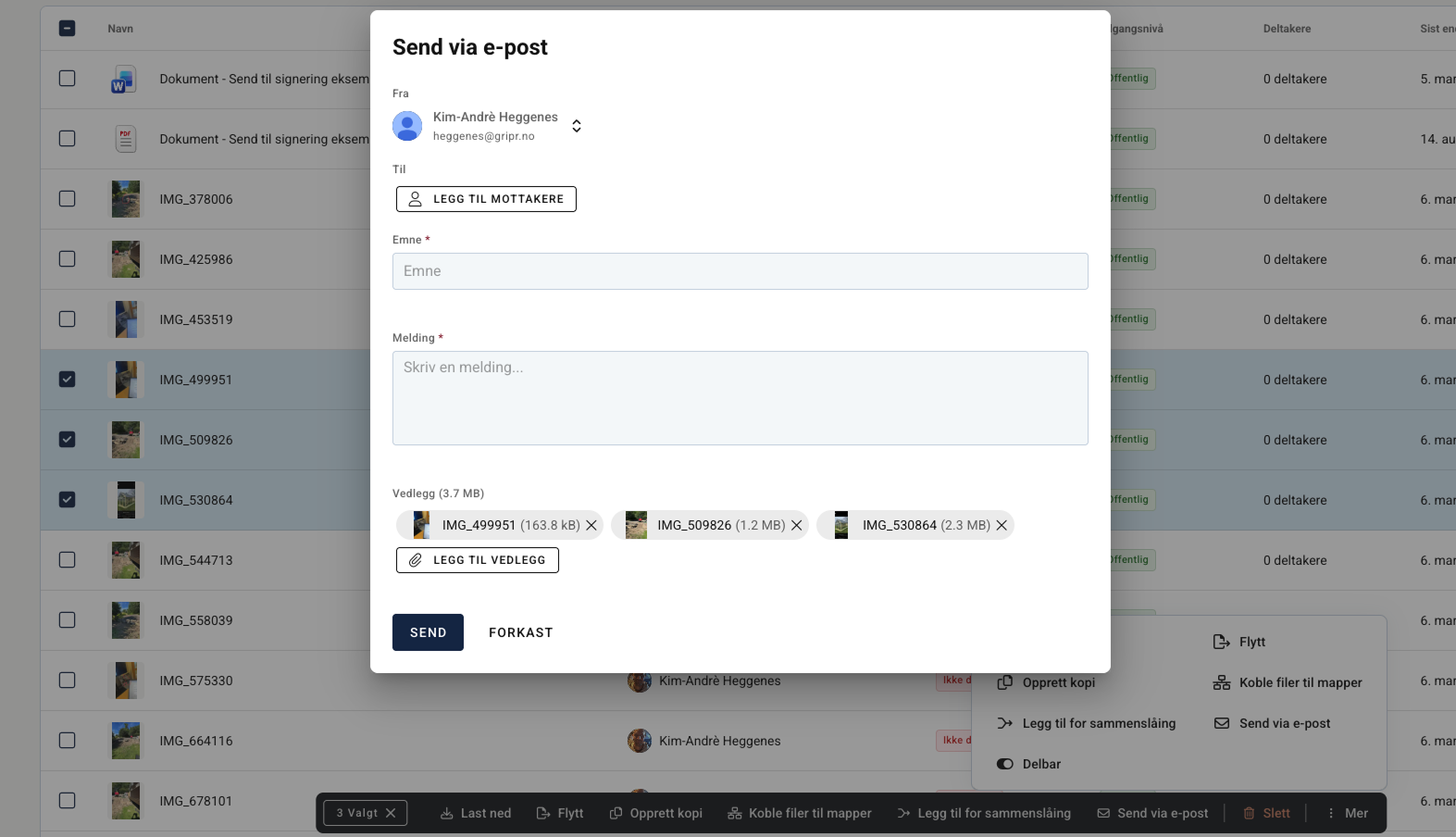
Send emails to employees from the user page using dynamic variables with support for Gmail and Outlook — increasing the likelihood that your messages are actually read.
New functionality in the app:
Add images from the Gripr document center when filling out forms, tasks, or projects
Get notified about unsaved changes when leaving a form — you'll no longer lose your work
View and edit reference and delivery address directly on a project in the app
Mini widget with time overview (total and your own) on tasks and projects
Access project details via a task in the app
Updated and simplified settings page — easier language switching and notification management
New language: Russian
Sort by priority in the calendar view for tasks
Project filters are now remembered between app sessions
Private to-do list widget can be added to the Home screen
New functionality on the web:
Task prioritization with automatic calendar sorting
Private to-do list widget on the Dashboard and per project
Notifications for due dates and end dates on forms, tasks, and projects — with the option to be notified X days in advance
Task reports can be generated and sent directly by email with attachments
Set all answers on a page as "Not relevant" in one click
Copy individual questions or entire pages when filling out a form
Role-based access to employee folders
What we've fixed
The cursor can now be placed freely in answer templates in the form builder — arrow keys are no longer the only option
PDF reports showed an incorrect signing date when using e-signing — now fixed
The "Deviation" label now displays correctly in PDF reports (no longer showing "DEVIATION")
The bulk menu has been adjusted so that text on the bottom row is fully visible
Note fields in forms now require a deliberate action to clear content — accidental clicks no longer delete text
Login and logout in the app has been improved for a smoother experience